Article templates
Article templates are an essential part of Sapphire. They let you build pages in a flexible and professional way. We offer an extensive range of content types, each with multiple layout options. This gives you plenty of possibilities to create your website just how you want it. Explore examples of all available templates below.
Article templates overview
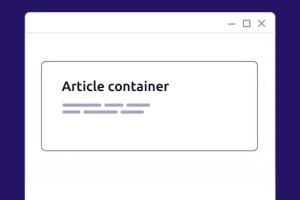
Article container
Group multiple items into a single block, such as cards or figures placed alongside text.
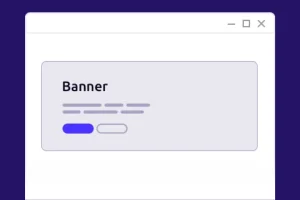
Banner
A prominent block containing text, an image, or a video for example, at the top of a page.
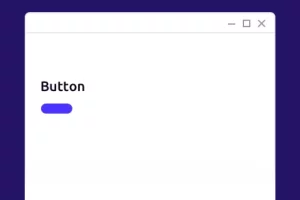
Button
Place one or more buttons on your page, for example to direct visitors to sign up or become a member.
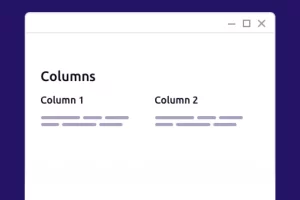
Columns
Place content side by side in columns, either on their own or as cards.
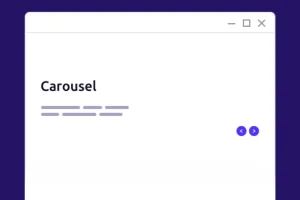
Carrousel
Allow visitors to browse through multiple articles.
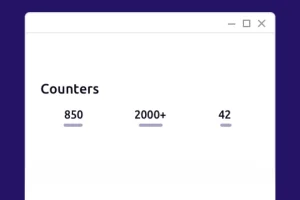
Counters
Display key figures at a glance, such as the number of members.
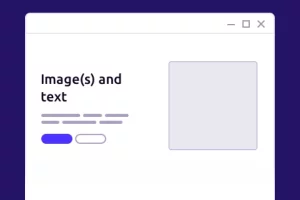
Image(s) and text
Tell your story using one or two images alongside the text.
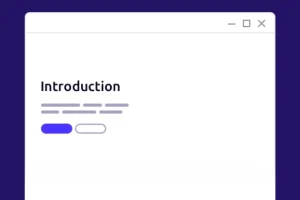
Introduction
Open a page or section containing a title, a short text, and buttons.
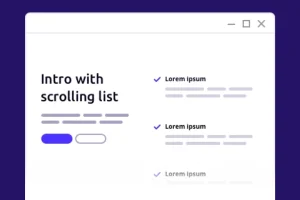
Introduction with scrolling list
List your strengths, while the intro remains visible alongside them.
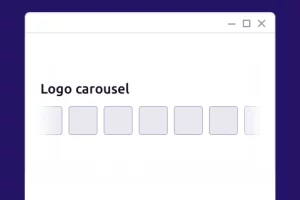
Logo carousel
Display the logos of, for example, partners or members in a slider.
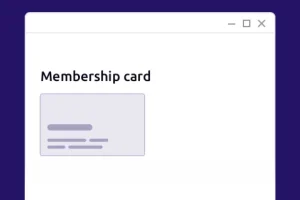
Membership card
Display a membership card that can also be printed out.
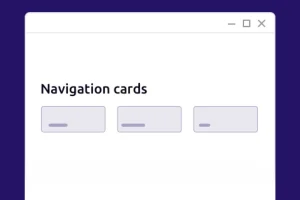
Navigation cards
Help visitors get to the right page quickly, with or without an icon.
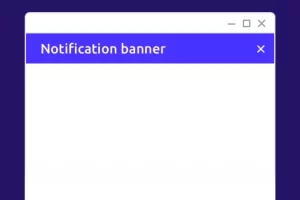
Notification banner
A dismissible notification at the top of your website for priority news.
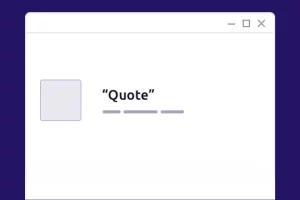
Quote
For example, feature a member or donor, including a photo and a link to their full story.
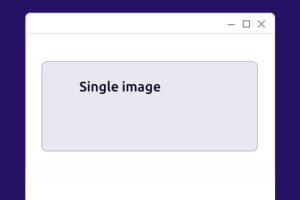
Single image
One large image that scales well on mobile.
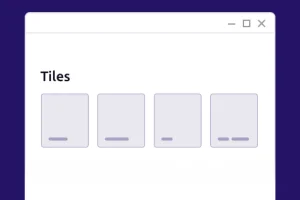
Tiles
Place topics, such as your themes or projects, within distinct areas featuring a color or an image.
Get started
Ready to discover Sapphire for yourself?
Join the many customers already using Sapphire and request a demo!